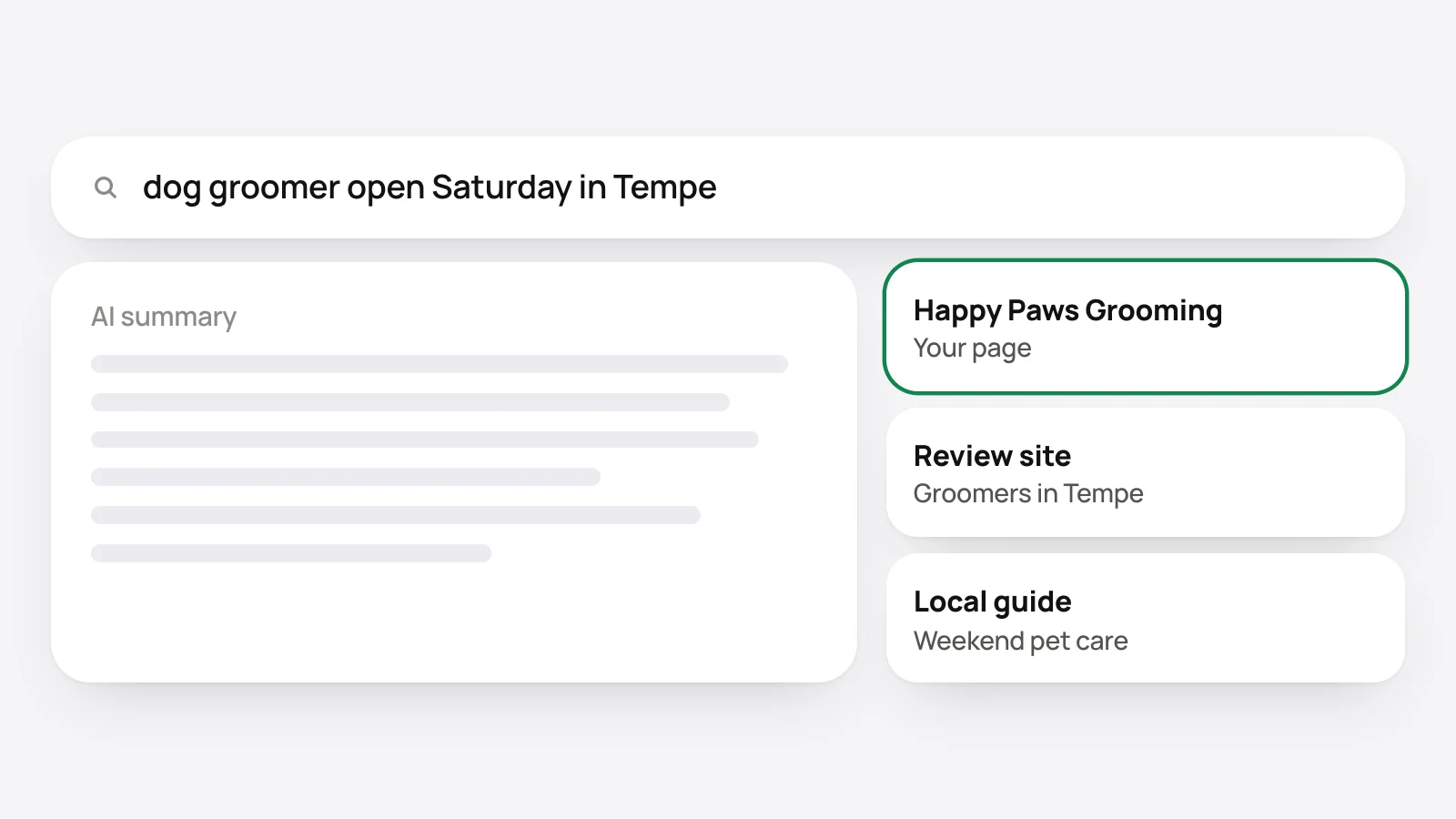
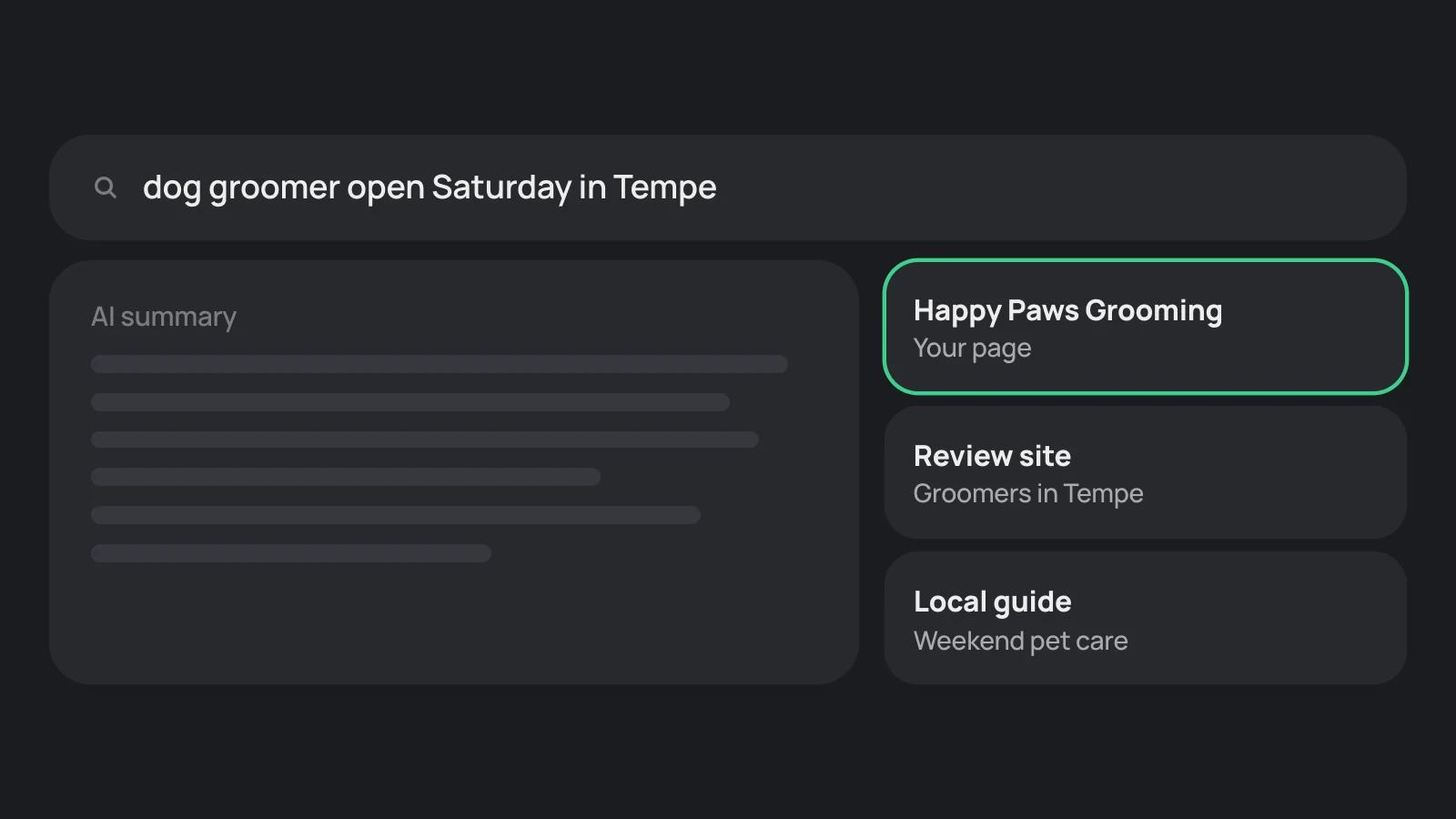
What are AI Overviews and AI Mode?
Both are AI answers inside Google Search. An AI Overview sits above the results for some searches. AI Mode is a separate view for longer questions and follow-ups.
Google's page on AI features says both may use a "query fan-out" technique, "issuing multiple related searches across subtopics and data sources", and show links to the pages that support the answer.
What does a page need to be linked?
Google's answer is short: "There are no additional requirements to appear in AI Overviews or AI Mode, nor other special optimizations necessary." To be a supporting link, a page must be indexed and able to show in Google Search with a snippet.
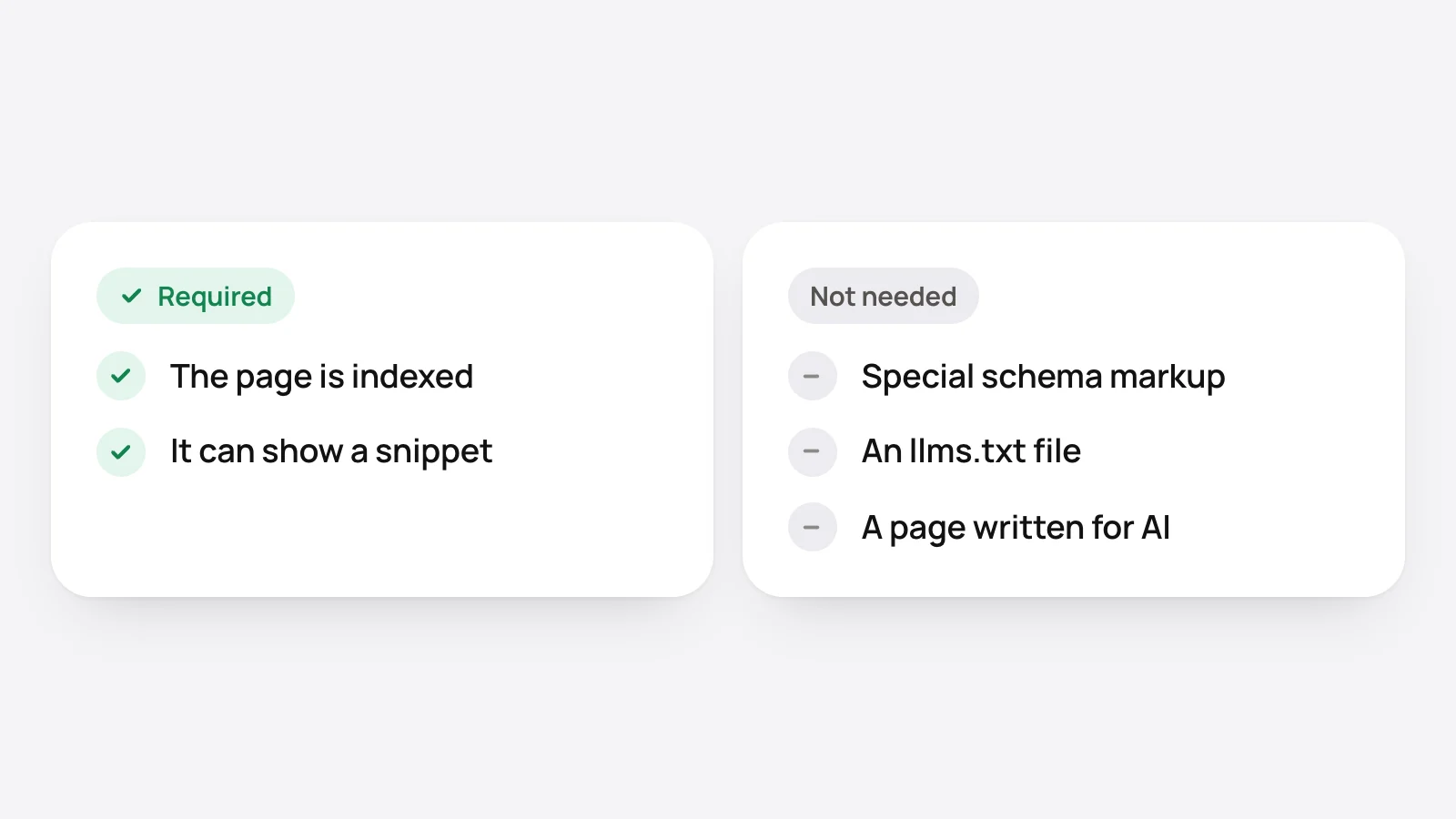
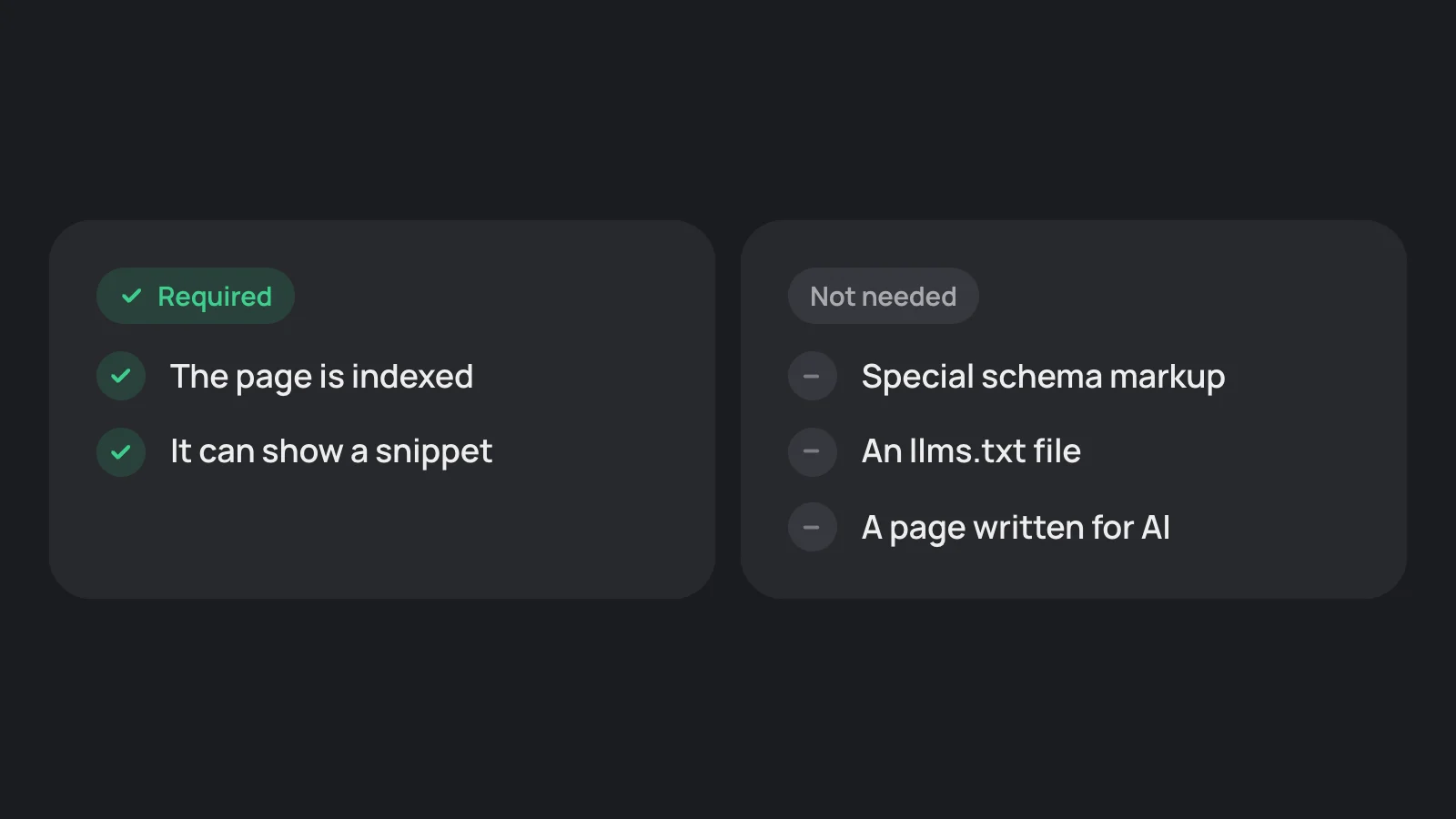
Google's AI guide adds that no special schema.org markup is needed, and that Google Search ignores AI text files such as llms.txt.
Step 1: is your page indexed?
- Search Google for site:yourdomain.com. Do your pages appear?
- Add the site to Google Search Console and inspect your main page's address.
- Make sure the page has no noindex or nosnippet. Google lists nosnippet, data-nosnippet, max-snippet and noindex as the controls that limit what it shows.
Step 2: are the facts on the page as text?
Google asks for important content in textual form. Write the services, the area, the hours, the phone number and the prices you publish as text.
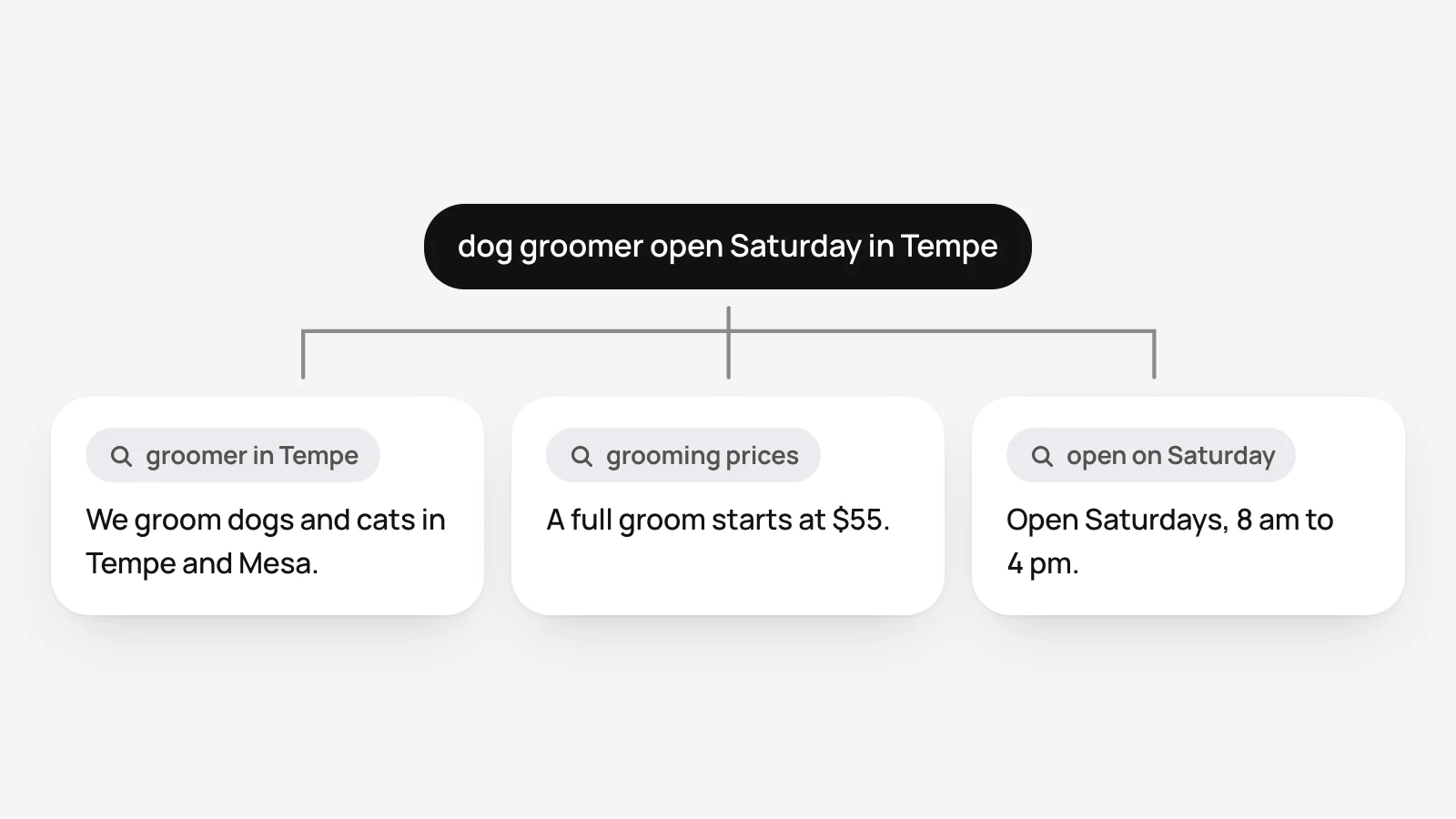
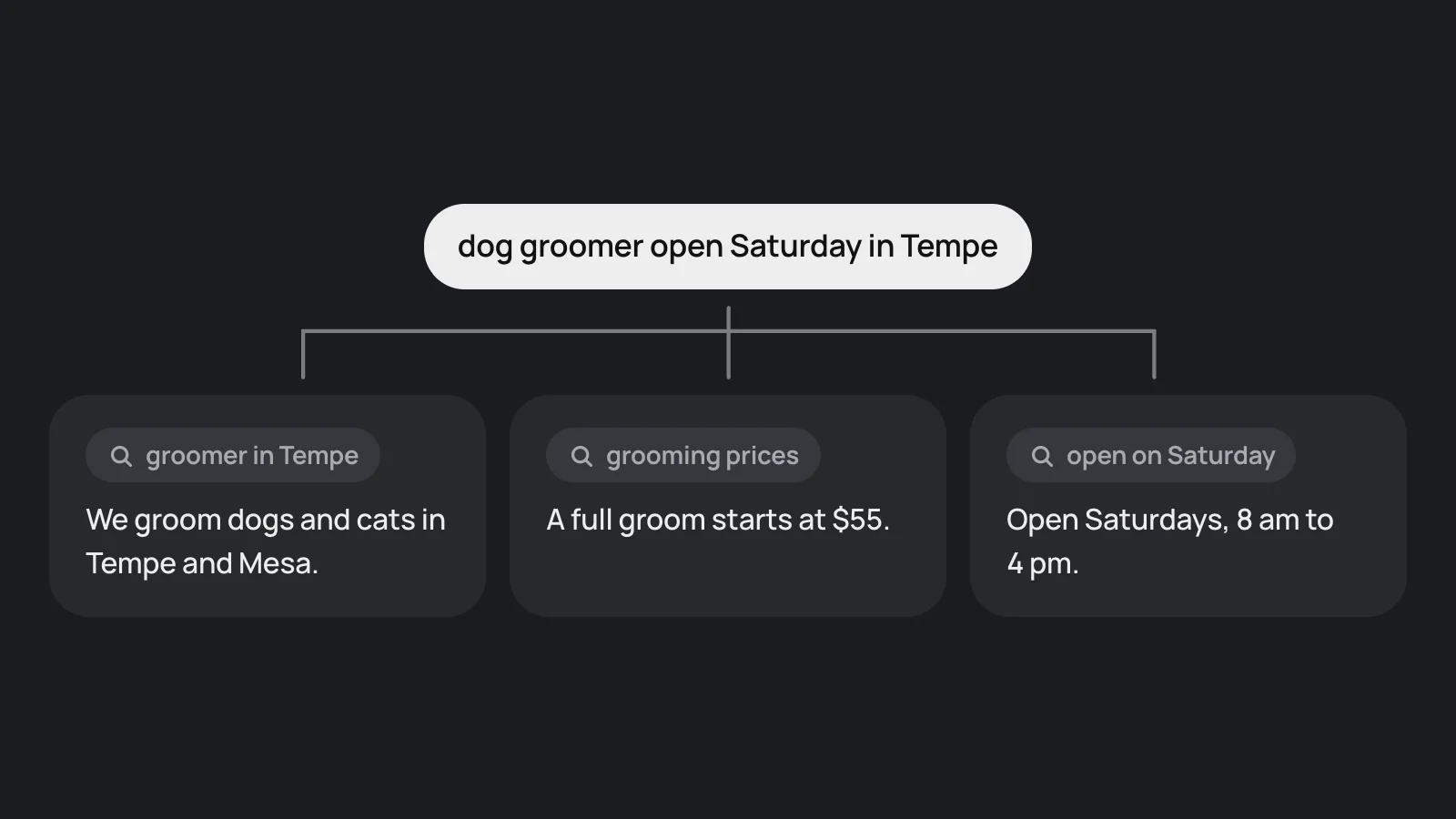
Because of the fan-out, one question becomes several searches. A page that answers each part in its own short paragraph, such as price, hours and area, has more chances to match one of them. That is our inference. The list is in what a page needs to be quoted.
Step 3: is your Google Business Profile complete?
For local questions, Google's AI guide says a Business Profile can help a business be visible in AI responses. Claim it and fill in the category, hours, address or service areas, services and photos. Google's local ranking page says complete and accurate information makes a business more likely to show in local results. The checklist is in show up in Gemini.
How do I know it worked?
Search Console has no separate report. Google says traffic from AI features is "included in the overall search traffic in Search Console", in the Performance report.
Search your customers' questions yourself, in a private window, and look for your page among the links. Answers change from search to search, so try each one more than once.
Where does OnMap fit?
An OnMap page covers steps 1 and 2: it is open to Google's crawler, it is in a sitemap that is sent to Google again when it changes, and the facts are plain text. The profile stays with the business. The dashboard has a checklist for it.
Sources
- Google: AI features and your website (official documentation)
- Google: Optimizing your website for generative AI features on Google Search (official documentation)
- Google: Tips to improve your local ranking on Google (official documentation)
Sources were last read on November 19, 2026. Assistants change often, so a fact here can go out of date.
Keep reading
How to get your business recommended by Google Gemini
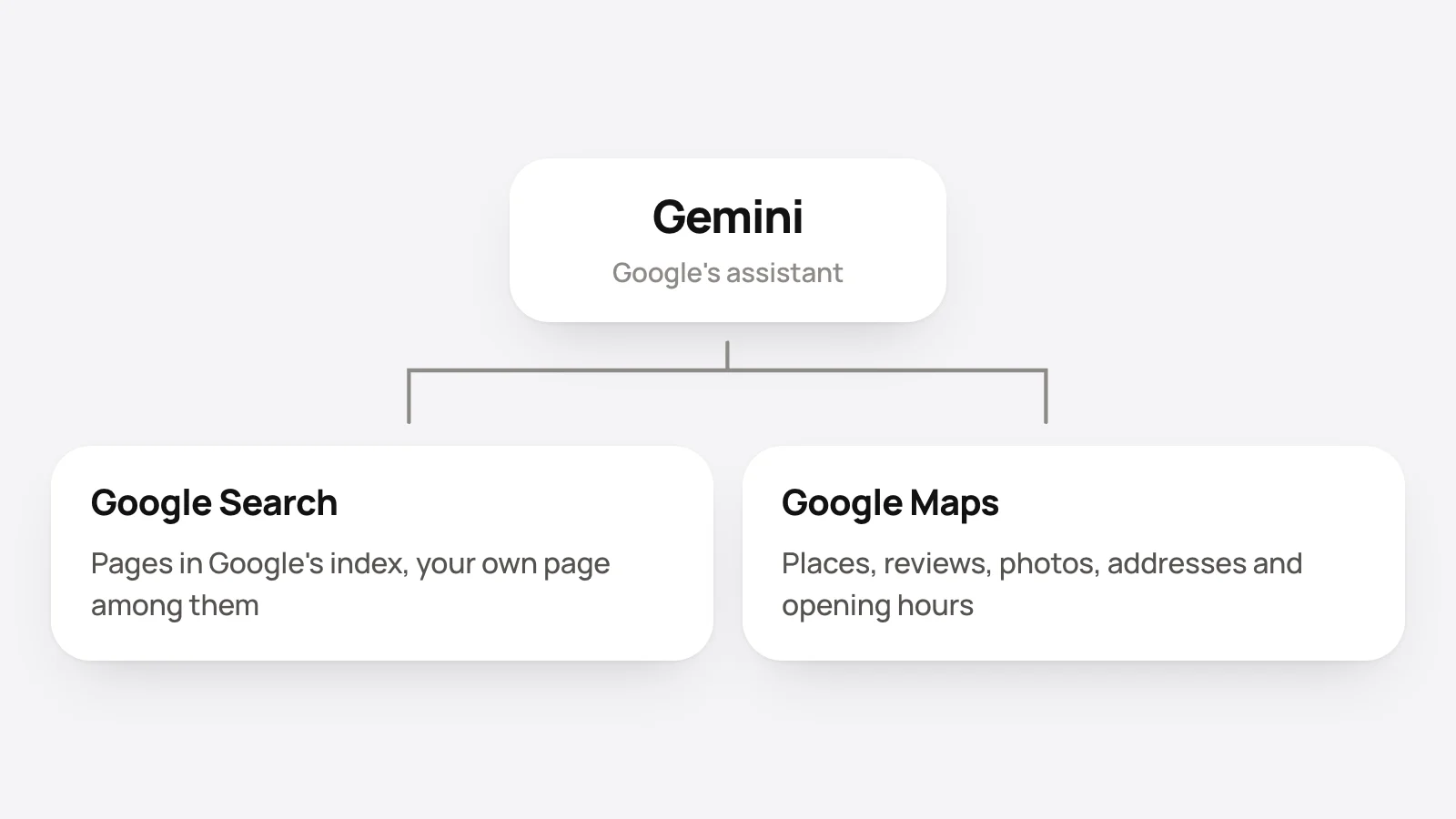
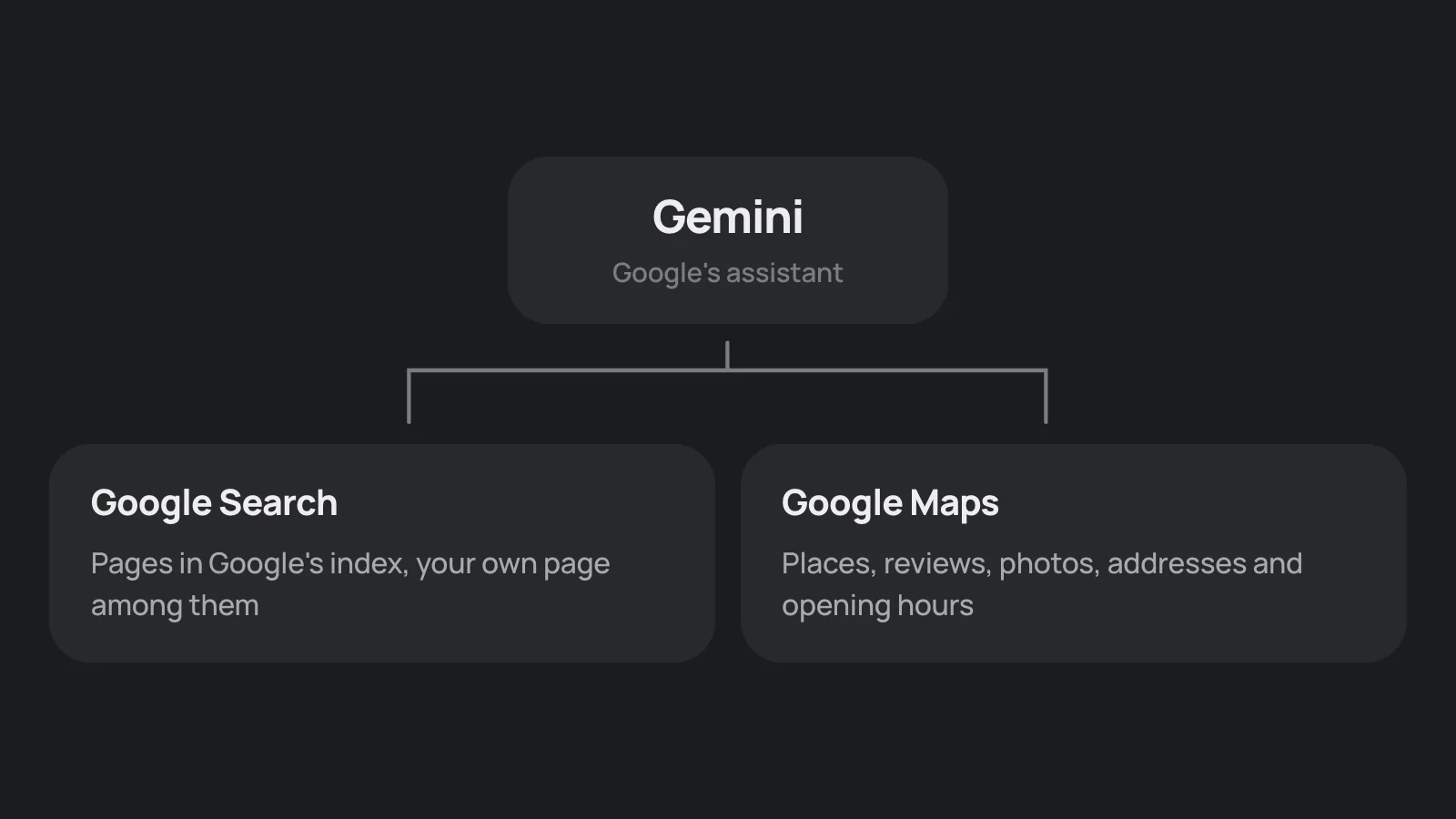
Gemini is Google's assistant. Google documents two things it can draw on, Google Search and Google Maps data, so a complete Business Profile and an indexed page do most of the work.
How to get your business recommended by Microsoft Copilot
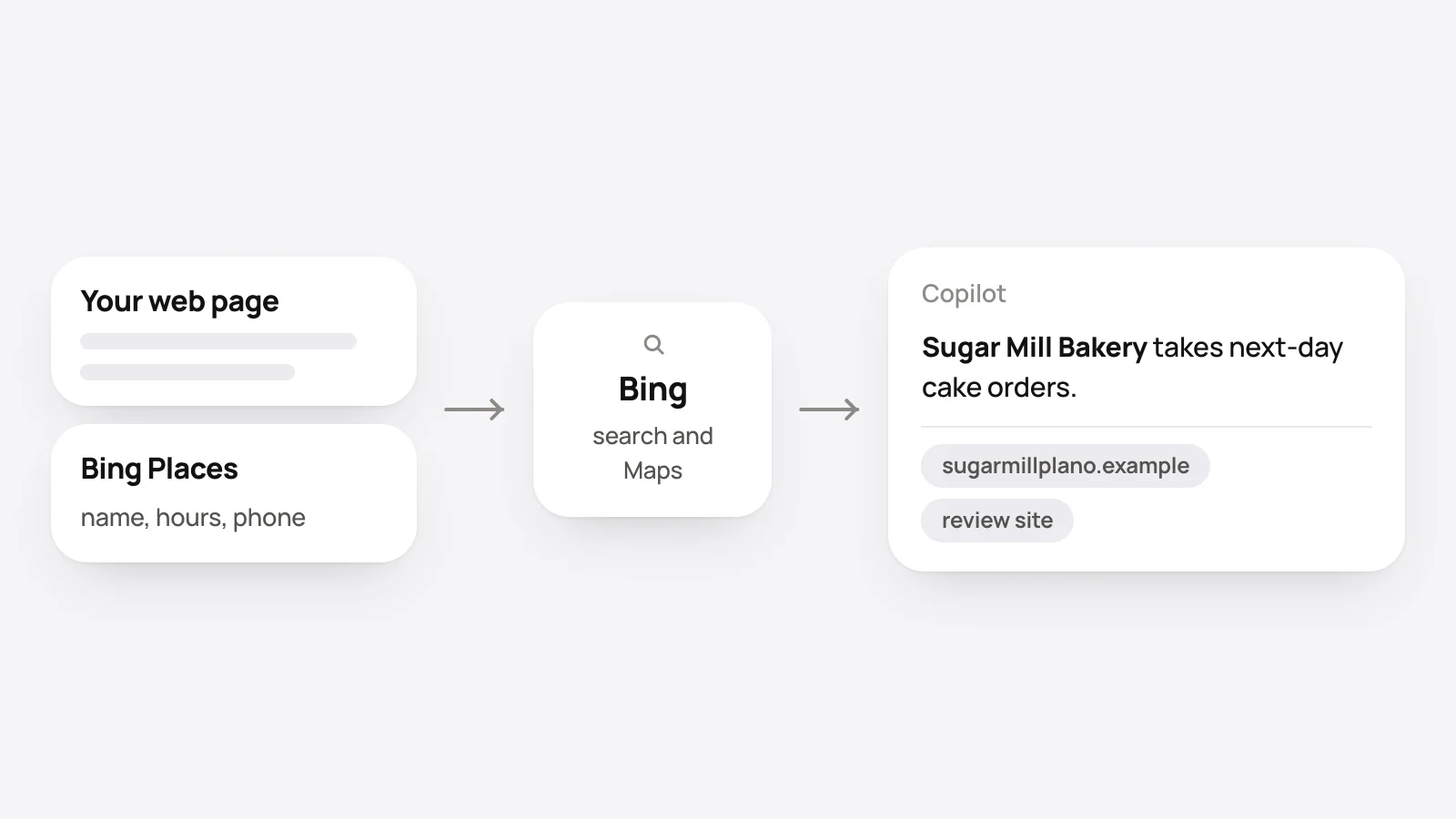
Microsoft Copilot grounds many answers in web search and links the pages it used. Get your page into Bing, claim a free Bing Places listing, and check citations in Bing.
How to get business details into AI answers
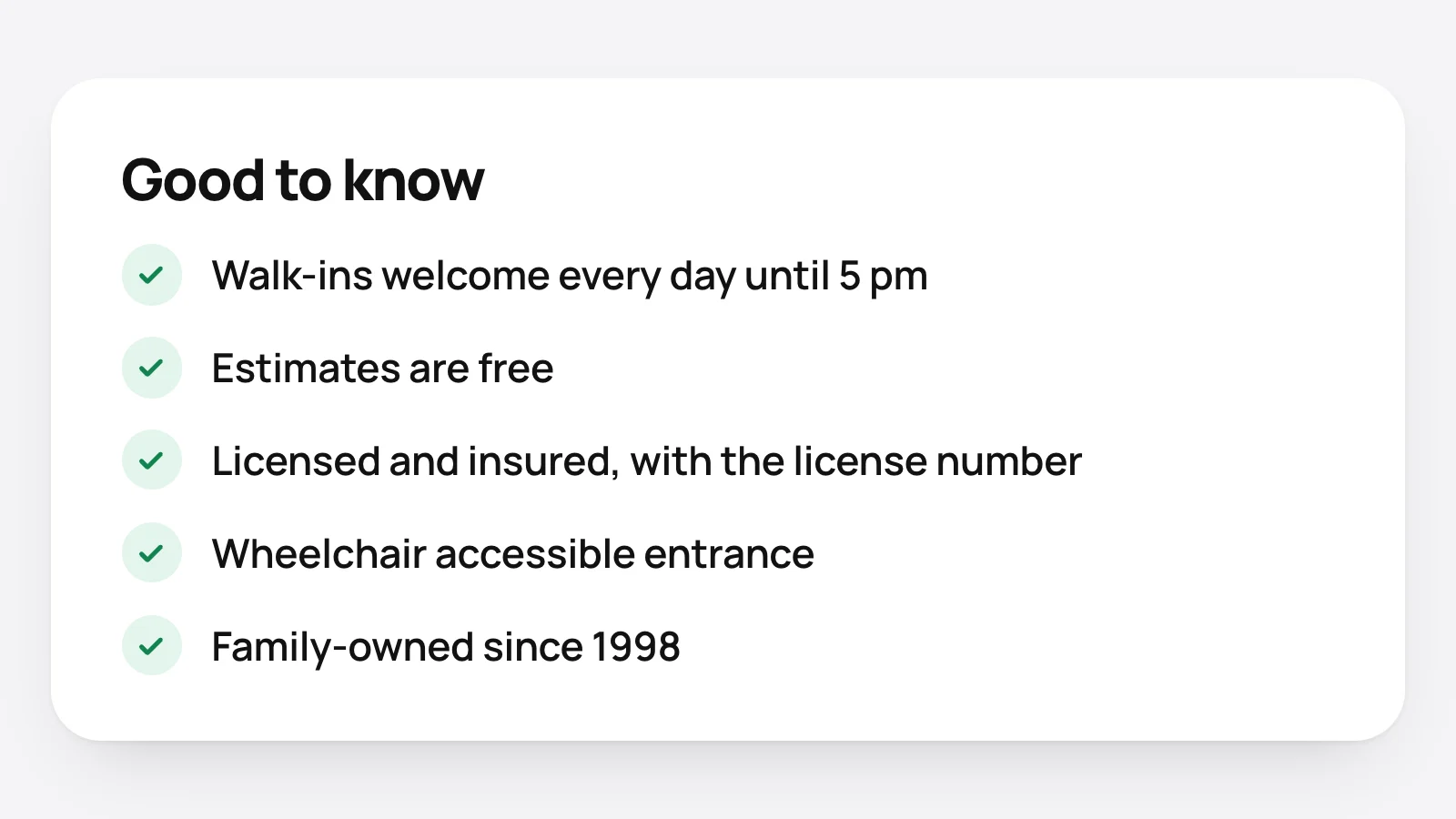
How to get an assistant to mention that a business takes walk-ins, gives free estimates, is licensed and insured, wheelchair accessible or family-owned: write it as text, in more than one place.