How do I get AI to say I take walk-ins or give free estimates?
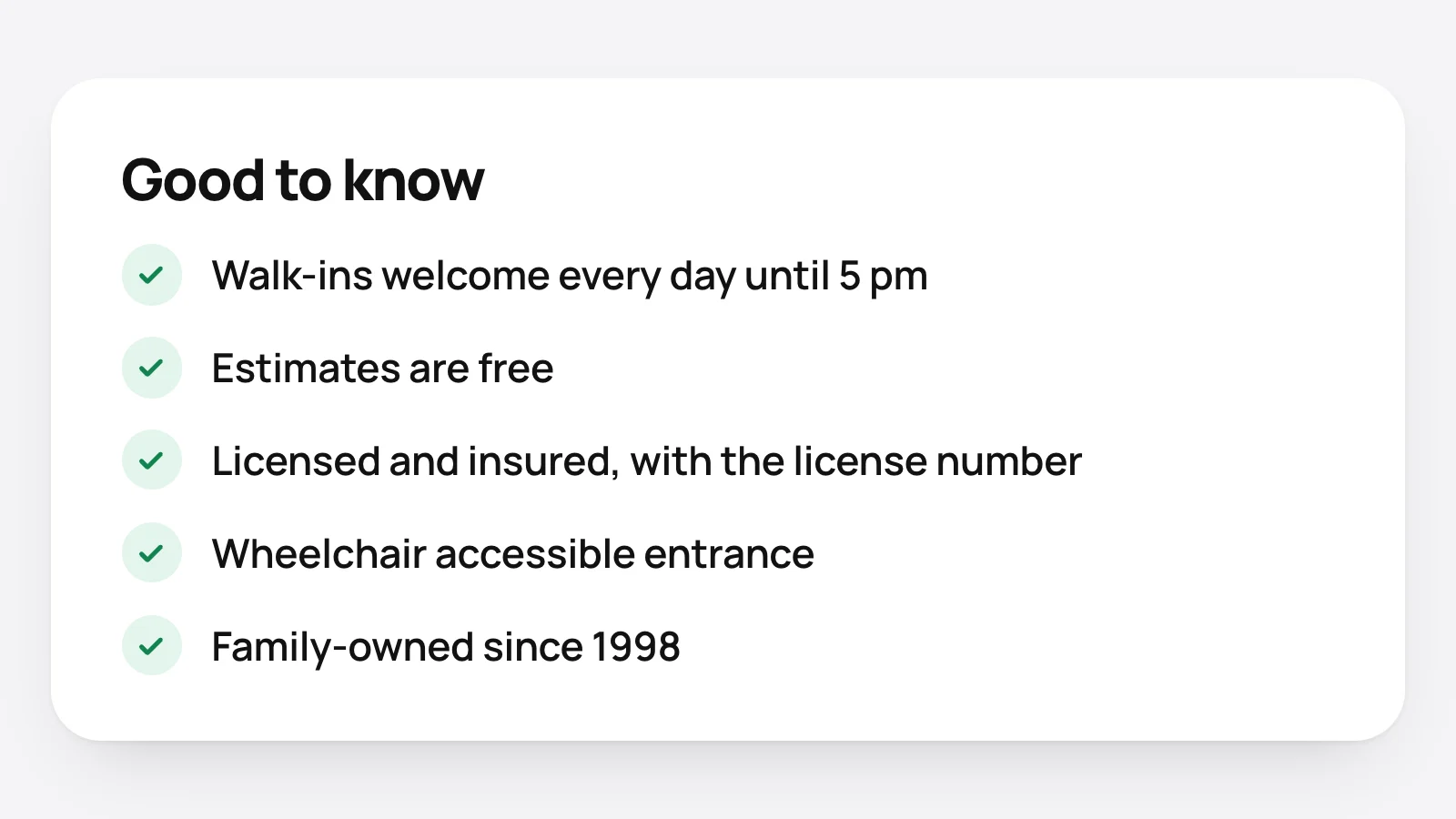
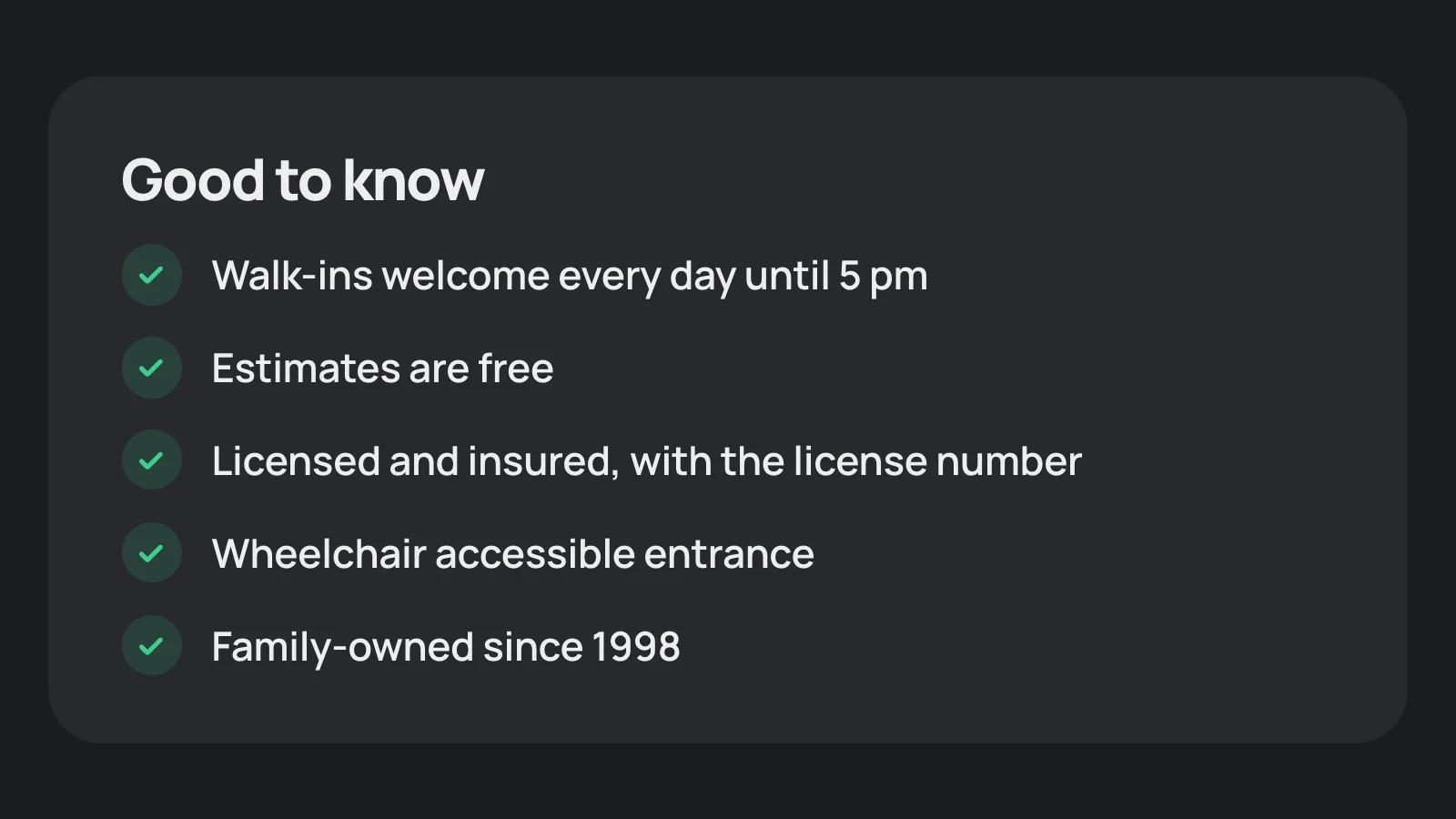
Say it in a sentence, on the page, as text. "Walk-ins are welcome every day until 5 pm." "Estimates are free." An assistant writes its answer from what its sources say.
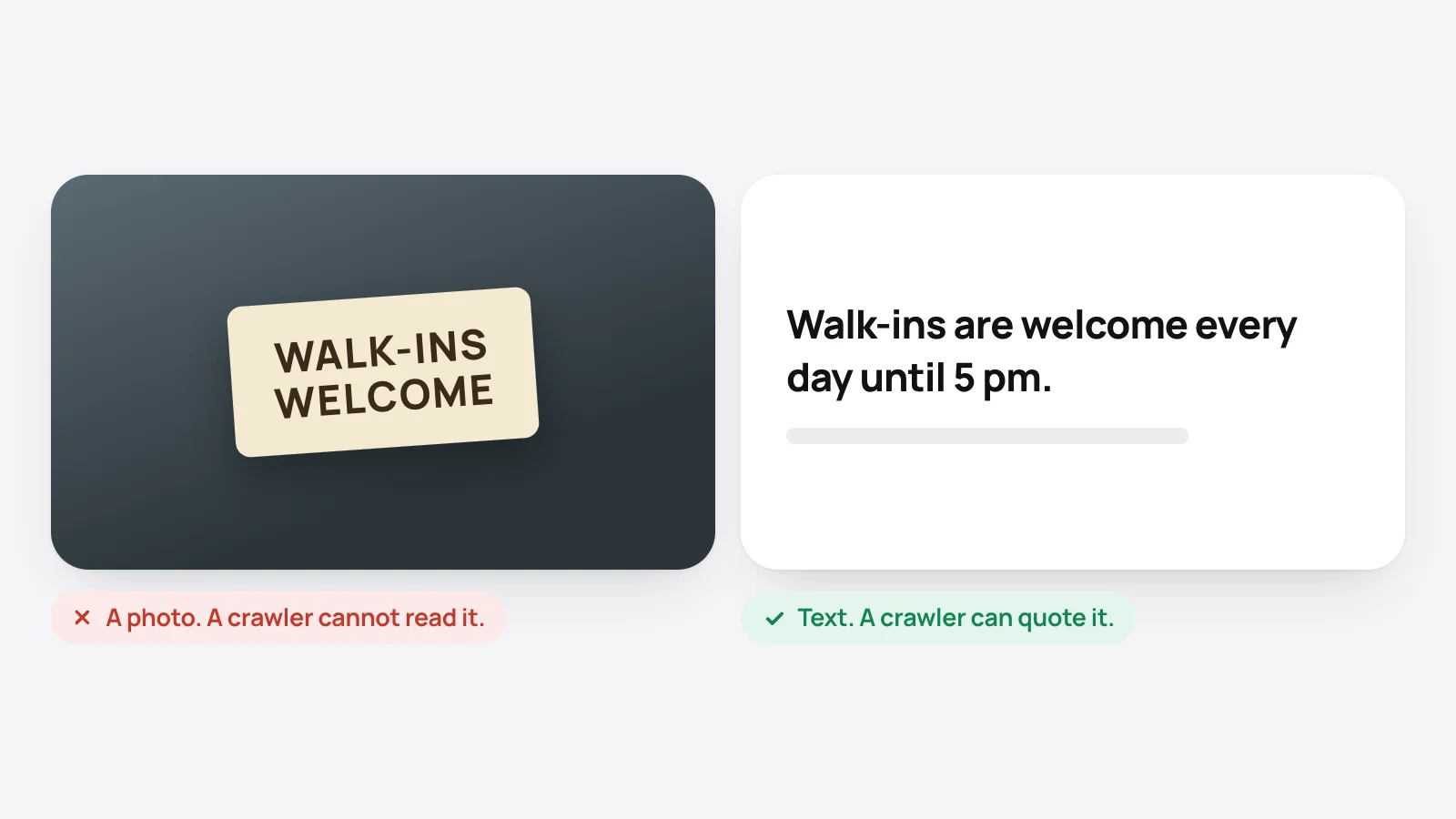
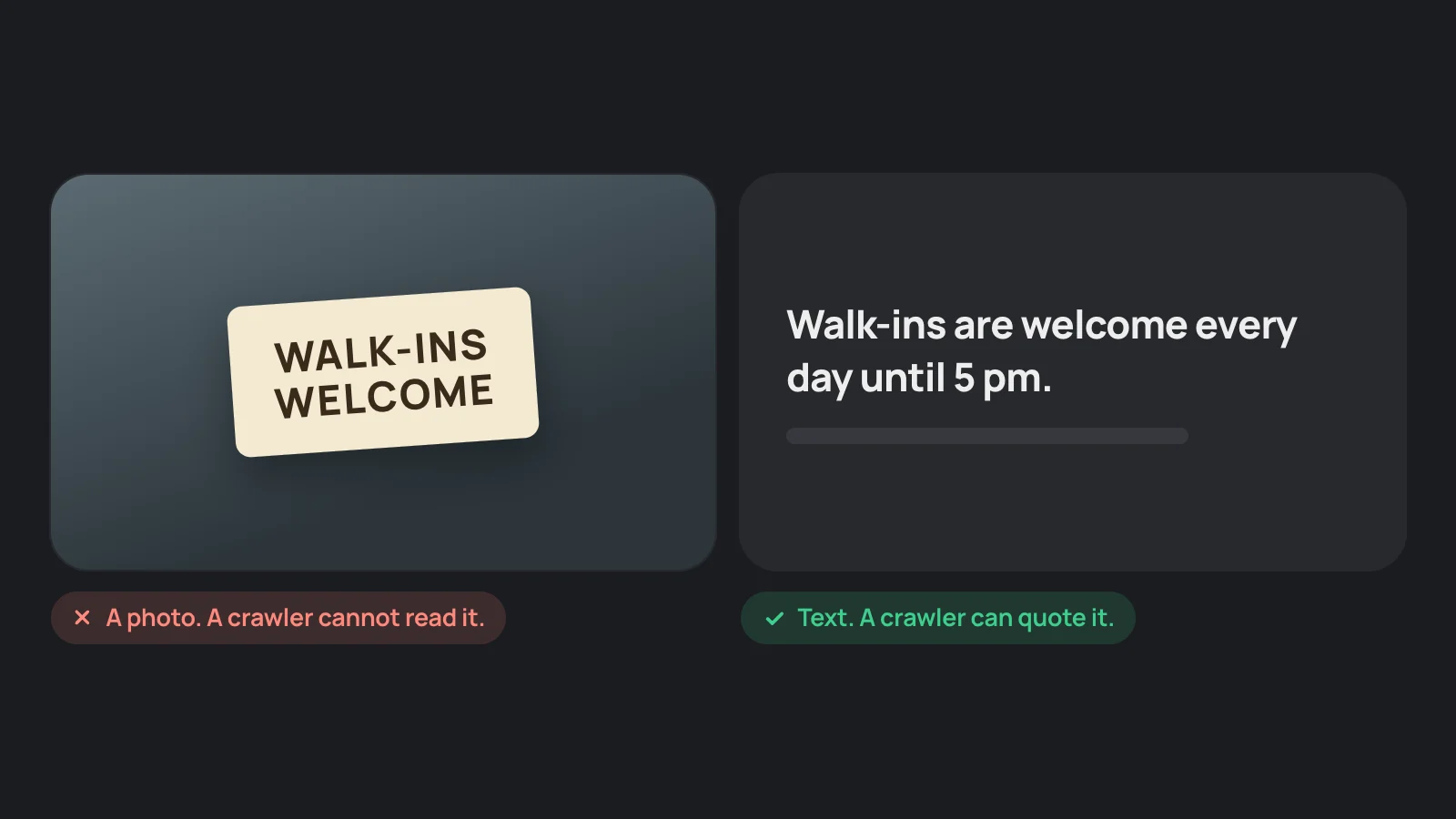
Google asks site owners to make sure important content is available in textual form. A badge image, a photo of a certificate and a PDF flyer do not count as text.
Which details are worth writing down?
The ones customers ask about before they choose:
- How to get served: walk-ins, appointments, free estimates, same-day visits, virtual consultations.
- Trust: licensed, insured, bonded, with the license number and who issued it. Years in business. Warranty.
- Access: wheelchair accessible entrance, parking, languages spoken.
- Money: payment methods, financing, insurance plans accepted, discounts.
- Who you are: family-owned, veteran-owned, woman-owned.
- Who you serve: for example, wholesale customers only. Say it in the first lines.
Write only what is true today. A detail that is wrong on your page will be repeated wrong.
Where should each detail go?
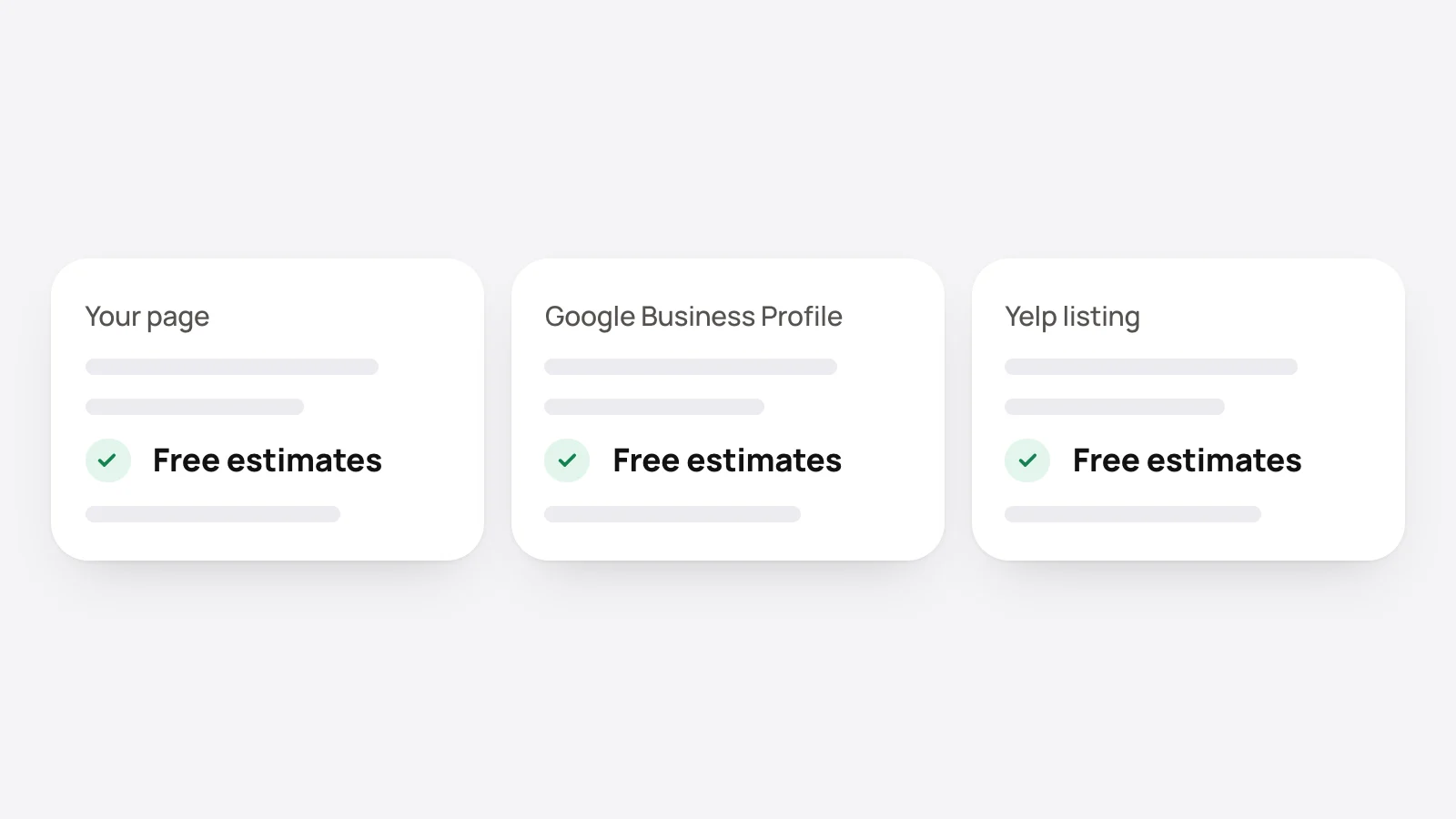
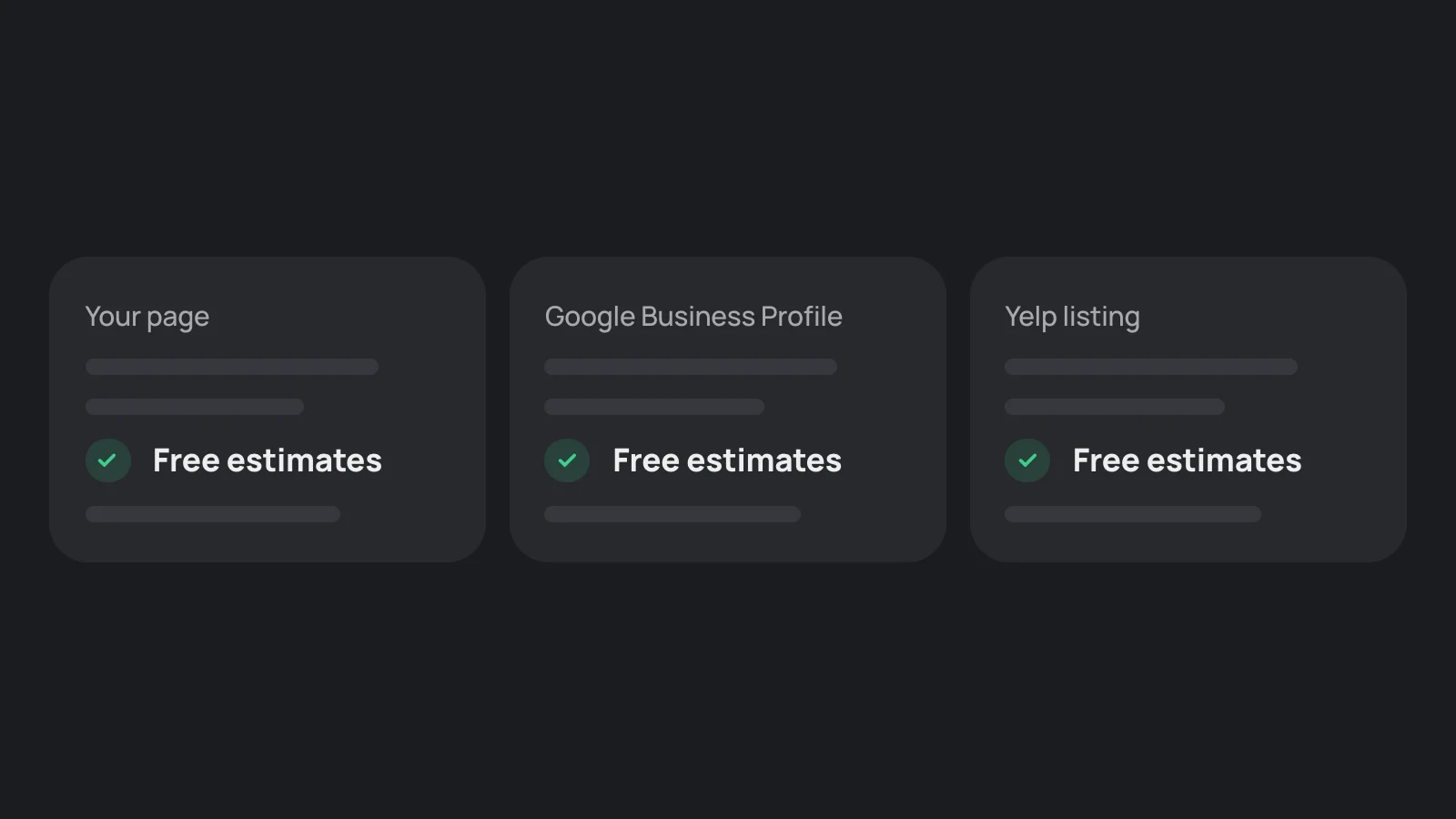
- Your page, as a sentence.
- Your Google Business Profile. Fill in every field it offers. Google's local ranking page says complete and accurate information makes a business more likely to show.
- Yelp and your trade's directories.
Why more than one place: assistants combine sources, and each one reads different sources. See visible in AI search.
How do I get a license or certification recognized?
Write the full name of the license, its number and the body that issued it, and link to the public lookup if your state has one. An assistant can then repeat a fact that anyone can check. Whether assistants verify licenses themselves is not documented.
What about daily specials and one-time events?
Things that change need a date. Put today's special or the event on the page with the day it applies. Nobody documents how quickly an assistant picks up a change. Claude's search tool passes each result's page age to the model, so a current date is a useful signal. Our inference: a special that changes daily may be missed, and a weekly one has a better chance.
Can my logo or photos appear with an AI answer?
On Google, possibly. Its AI guide says its generative AI search features can bring in relevant images and video. Add photos to your Google Business Profile and give the images on your page a file name and alt text that describe them. OpenAI and Anthropic do not document how ChatGPT or Claude choose images.
What if AI gets a detail wrong?
Find the source. Ask the assistant where the detail came from, open that page, and fix it there or ask its owner to. Then check your own page says the right thing in text.
Where does OnMap fit?
An OnMap page writes these details as sentences and keeps them in structured data that matches the text. You edit them in the dashboard, and the page updates. See how it works.
Sources
- Google: AI features and your website (official documentation)
- Google: Tips to improve your local ranking on Google (official documentation)
- Anthropic: Web search tool (official documentation)
- Google: Optimizing your website for generative AI features on Google Search (official documentation)
Sources were last read on November 14, 2026. Assistants change often, so a fact here can go out of date.
Keep reading
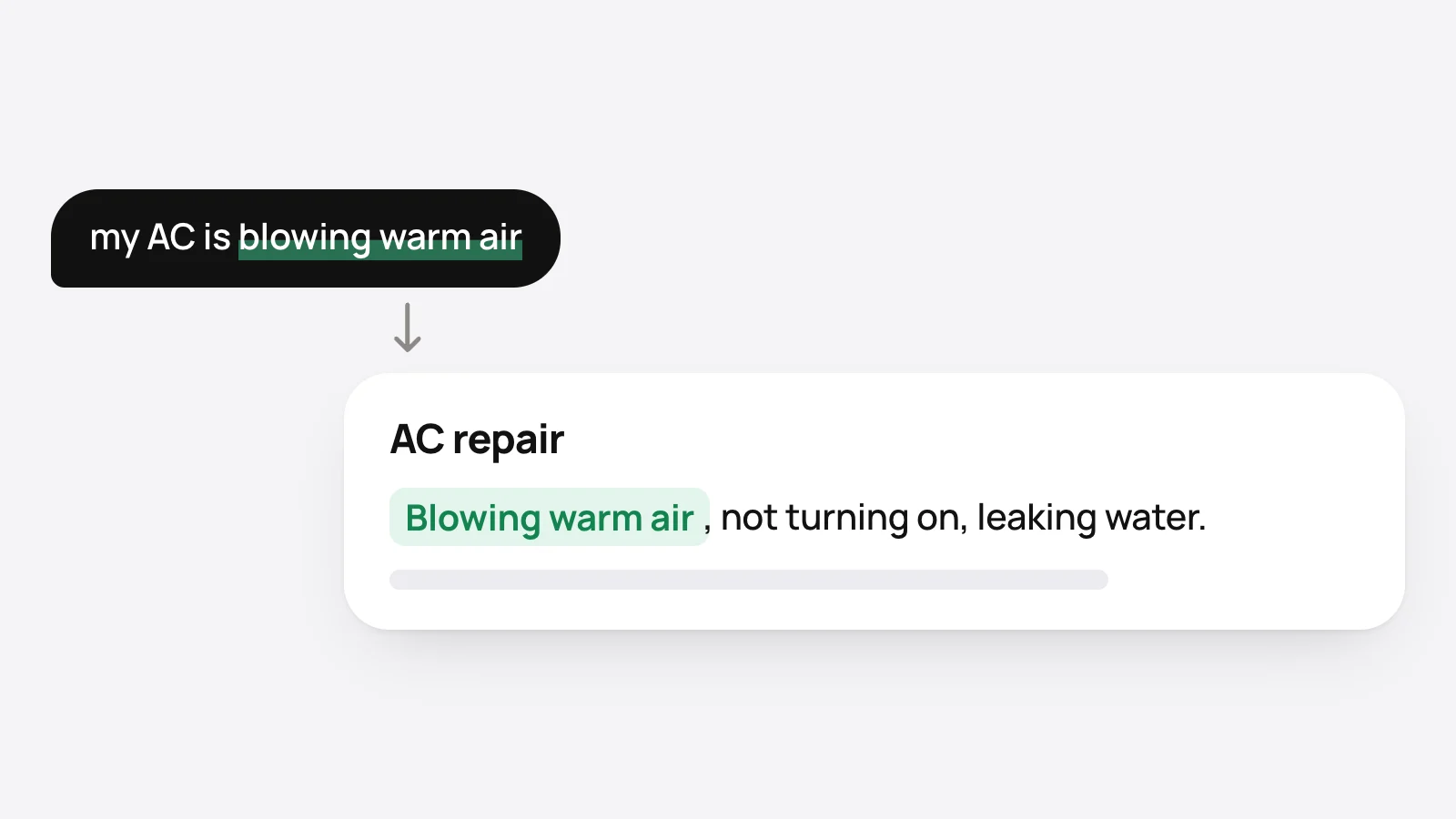
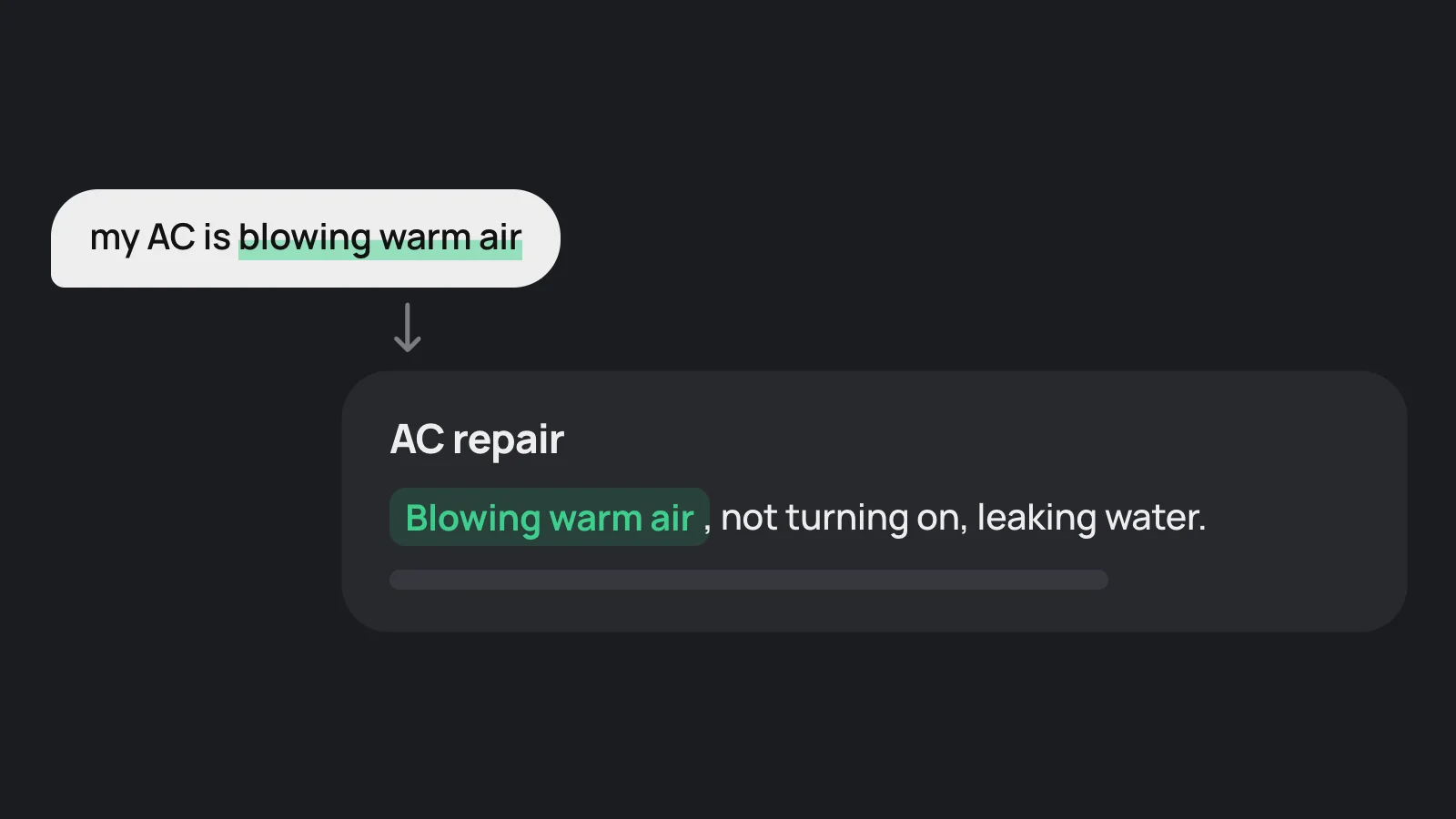
How to get matched to what customers ask AI for
Customers describe a problem, not a service name. How to write a local business page so an assistant can connect a specific request, a city or a follow-up question to the business.
How to turn AI answers into calls and bookings
People often act on an AI answer without clicking a link. How a local business makes its phone number, hours and booking link correct in the answer and easy on the page.
How to get your business to show up in ChatGPT
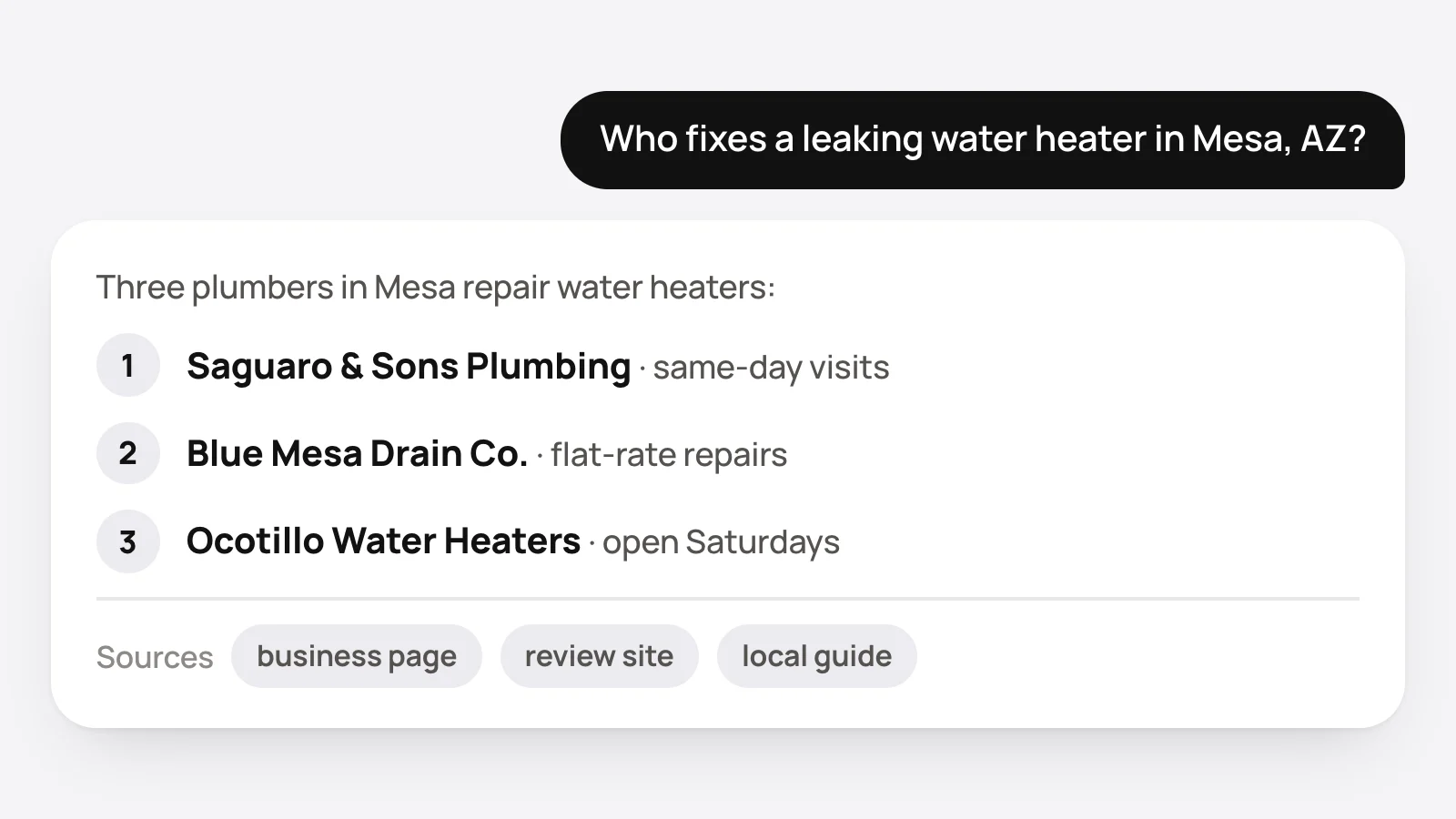
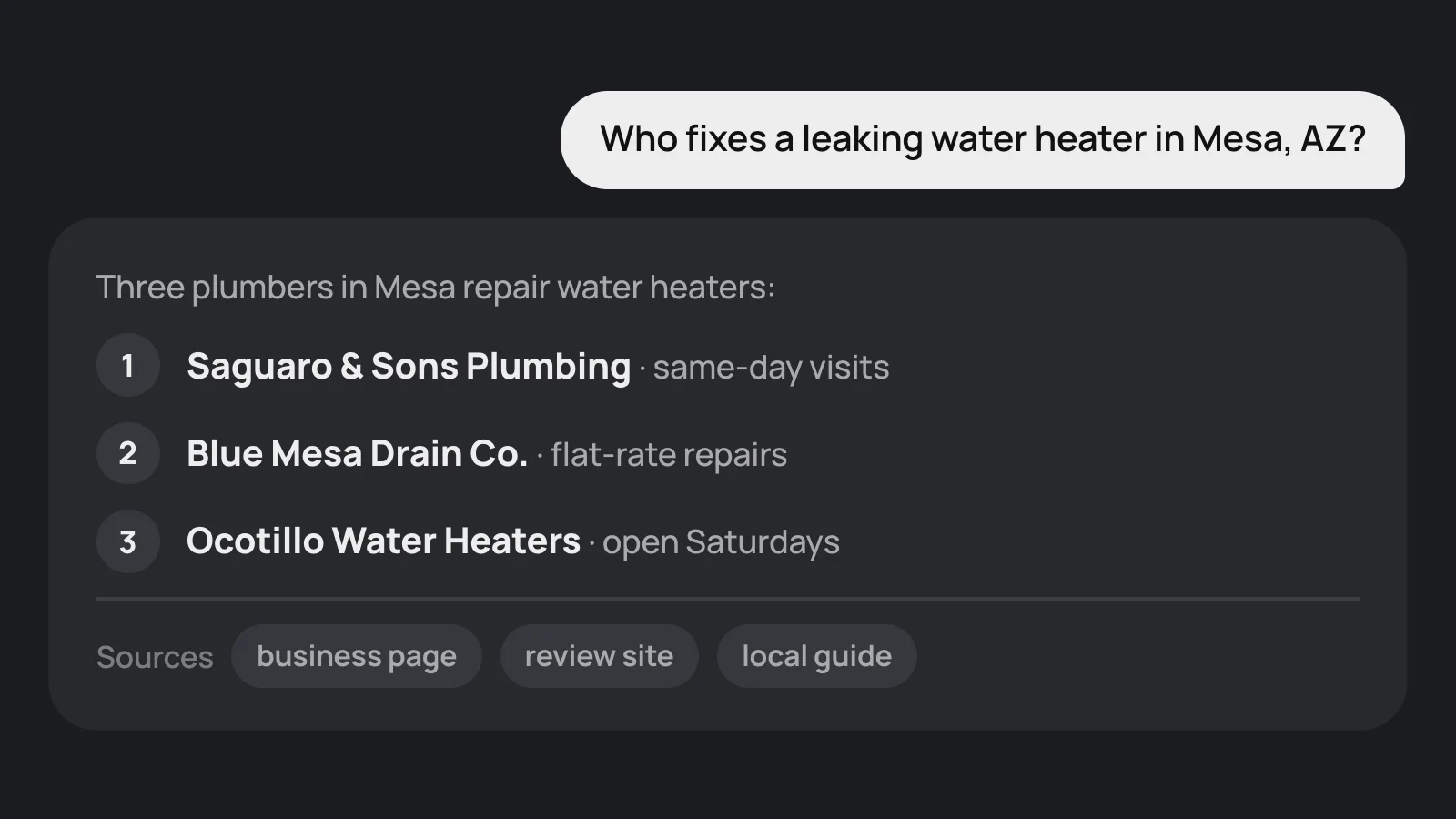
Four steps for a local business that wants ChatGPT to name it: let OpenAI's search crawler in, put the facts in text, keep listings the same, and earn real reviews.